Skip to content
  • There are no suggestions because the search field is empty.

Contact Your Teacher

A guide showing you how to contact your teacher on the Swap Language Platform

To communicate with your teacher, please go to your ‘Language hub’. You click Language hub in
the top navigation bar.
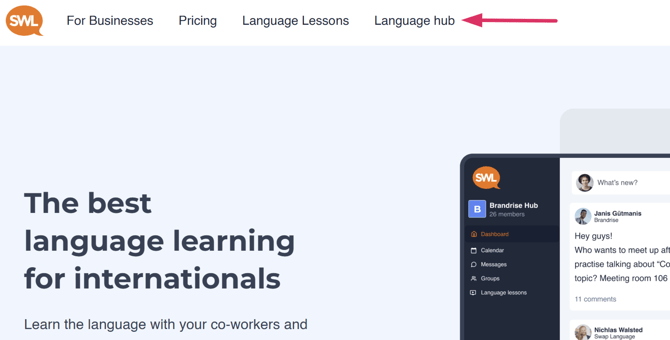
Communicate image 1 - enter language hub

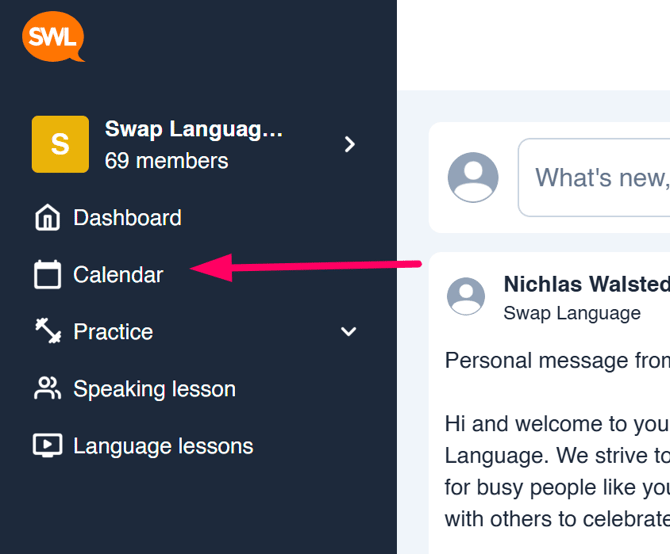
Then, you click ‘Speaking lesson’.


enterspeakinglesson image 3 - enter calendar

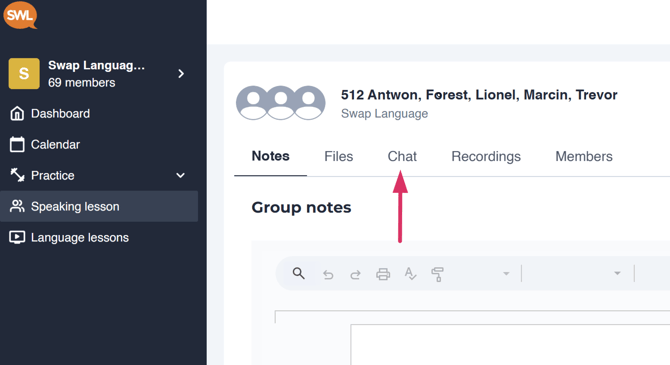
Then, you click ‘Chat’

Communicate image 3 - Enter group chat click chat

Here you can communicate with your teacher and group members about reschedules, lesson
material and everything you need to chat about.
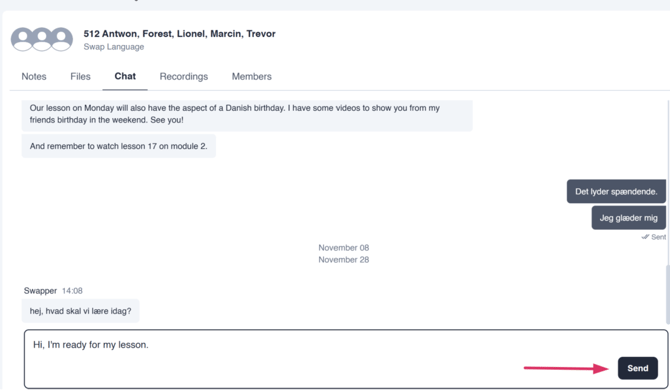
the group chat image