.svg)
Your speaking group gives you access to shared tools that can help you stay connected and keep track of your lessons.
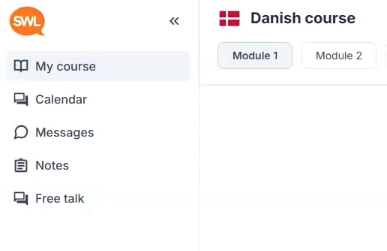
Group chat 'Messages'
You find 'Messages' on the left side.
Use the group chat to communicate with your teacher and the other learners in your group.
You can use it for messages related to your speaking lessons and group.
Group notes
You find 'Notes' on the left side.
Group notes let you keep track of useful information from your speaking lessons.
You can find them inside your speaking group area and use them to review what was covered.
Lesson recordings
You find lesson recordings in 'Notes' on the left side. This is available for Business Pro only.
After a Business Pro speaking lesson, you can use it to review the lesson afterwards.
Speak Pro speaking lessons are not recorded.