
What is a speaking lesson?
A speaking lesson in the Swap Language service is your all-in-one virtual space for online lessons with your language teacher. It allows learners and teachers to connect through video calls and chat, share files, take notes, and screen share — all seamlessly within the Swap Language platform.
Speaking lessons are only available for Pro users.
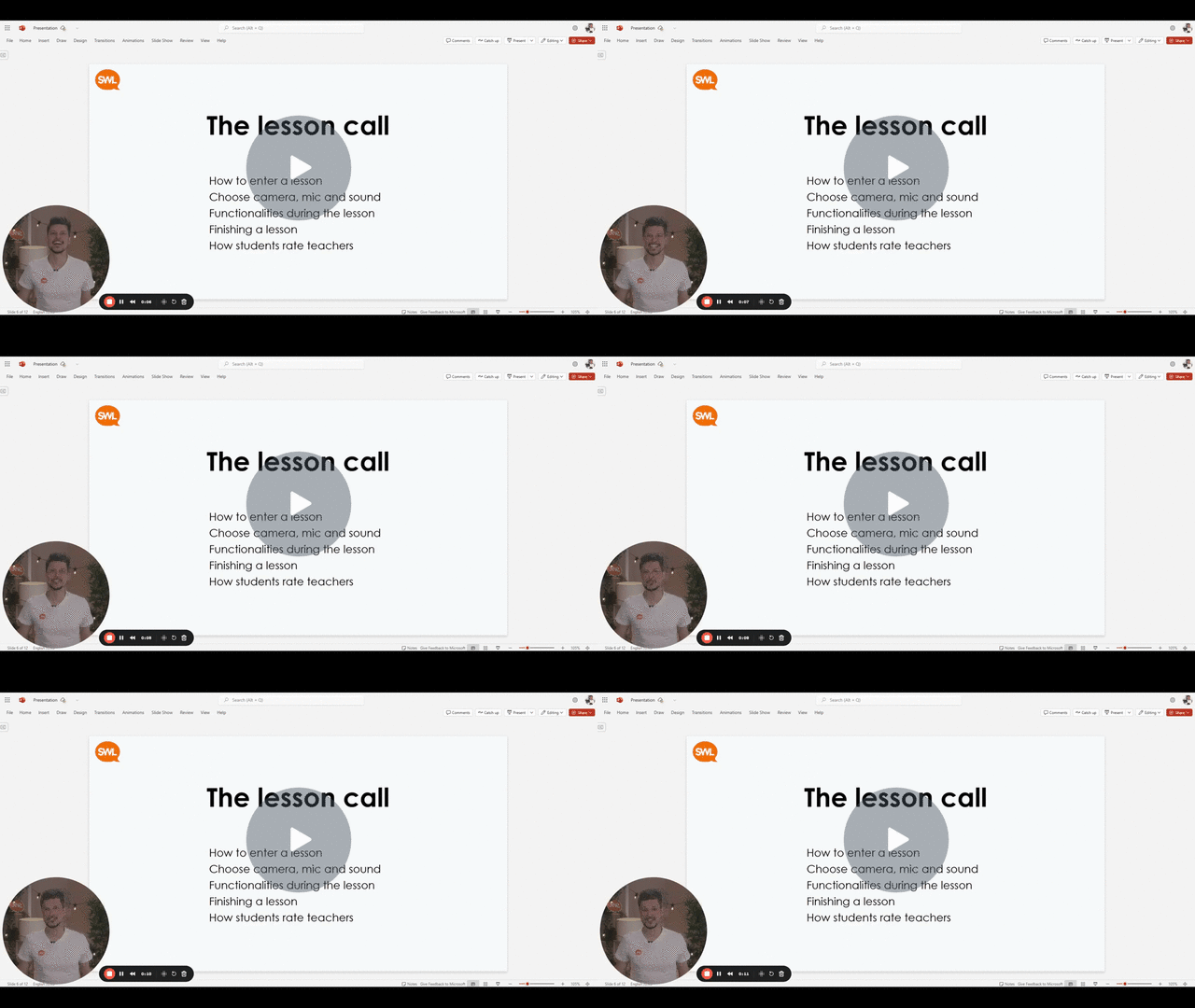
Watch this guided tutorial on how to use all the tools that is included with the speaking lessons.
How to Enter Your Speaking Lessons 🎥 - Watch Video
How do I enter a speaking lesson?
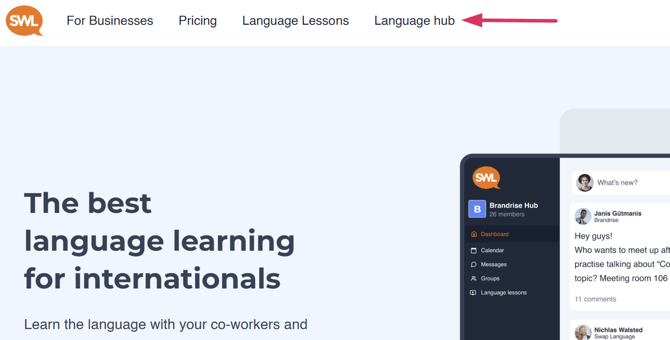
When you are logged in, you can access the Language Hub connected to your organization.
Click ‘ Language hub’ in the navigation bar in the top.
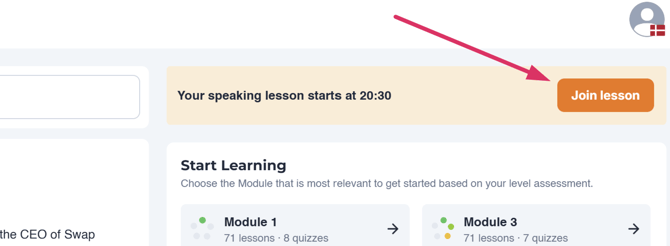
When you are on the Language hub, you can enter the lessons from two places.
The first place you can enter the lesson from is on the Language hub page.
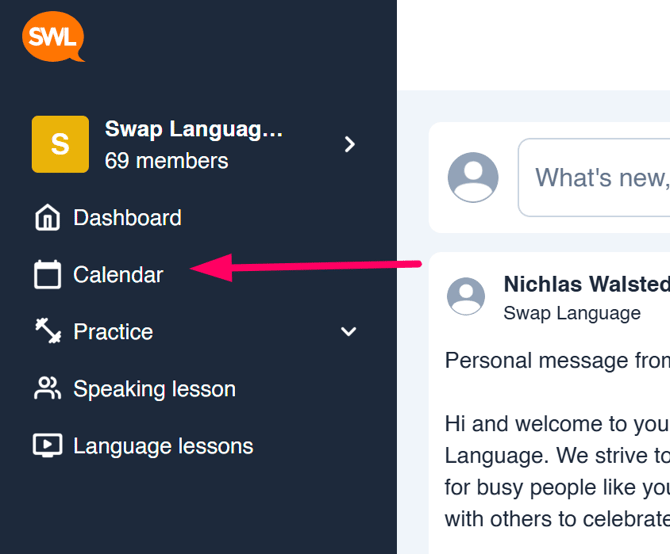
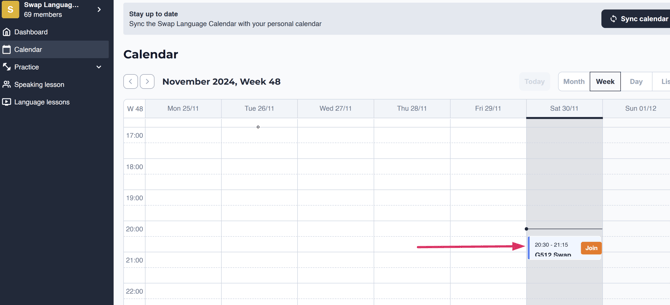
Or you can go to your Swap Language Calendar. Click ‘Calendar’ in the navigation bar on the left
side of your screen.
And then you find the lesson event and click ‘join’
This will open a new tab asking you to allow camera and microphone so you can interact and
speak with the teacher.
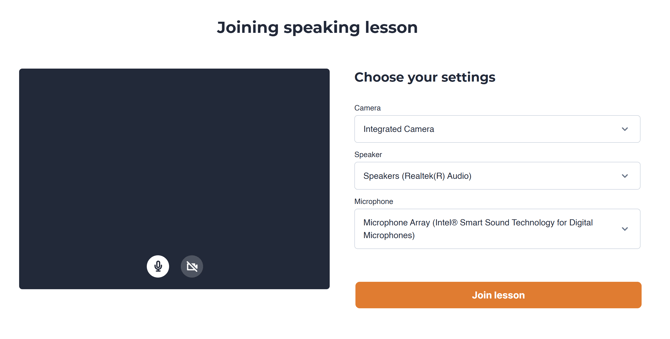
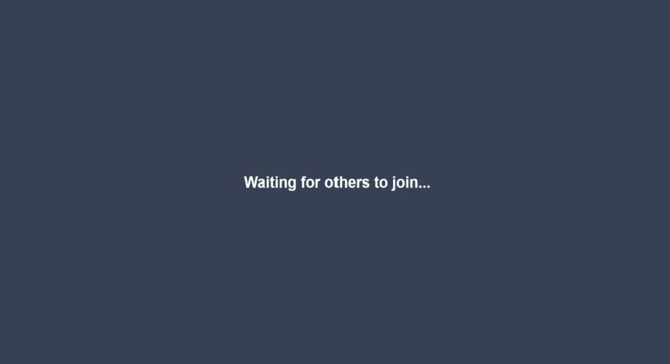
When you click ‘Join lesson’ it will take you to the room where you will meet your teacher. If the
teacher has not arrived yet, you will see this on your screen.
Enjoy your lesson! (if you have any issues along the way, please contact your teacher or write the
support chat on the front page of Swap Language (www.swaplanguage.com in the bottom right corner)
Start learning a language with Swap Language. Go to the Swap Language Plan page to learn more: Go to the Swap Language Plan page